
Your cart is currently empty!.
You may check out all the available products and buy some in the shop.
Continue Shopping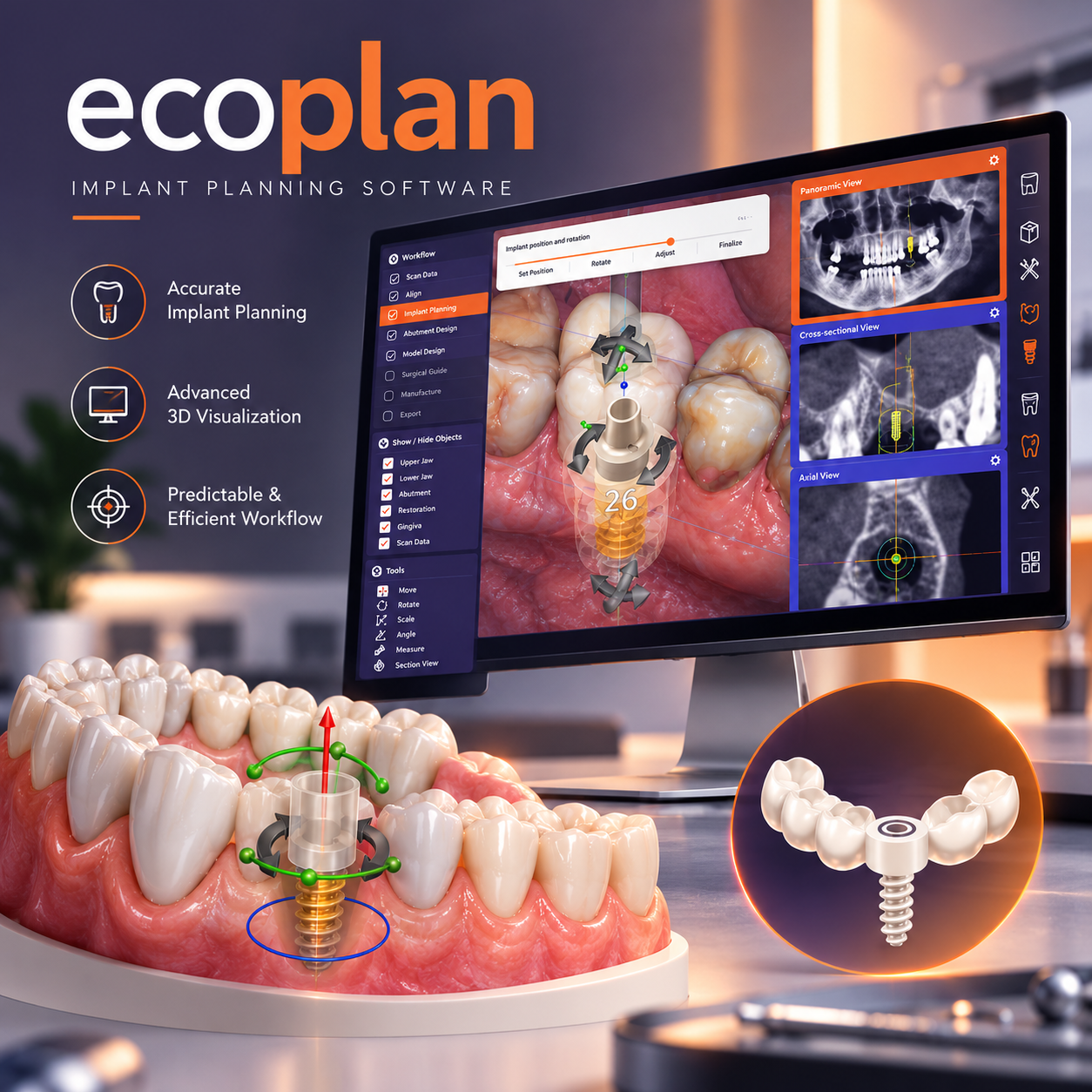
In stock
Original price was: ₹15,000.00.₹5,000.00Current price is: ₹5,000.00.


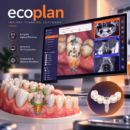
exoplan – 3D Dental Implant Planning and Surgical Guide Design Software
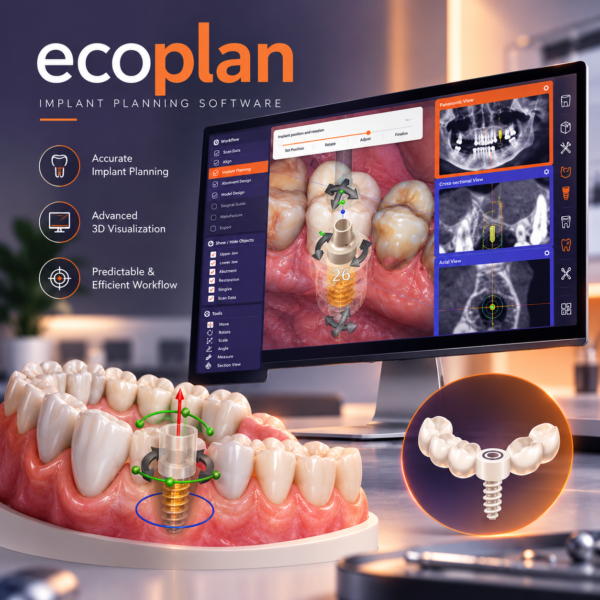
exoplan is a dental implant planning and surgical guide design software developed by exocad. It is used to plan dental implant positions using three-dimensional patient data, including CBCT scans and optical dental scans. The software combines radiographic information with digital dental models to support prosthetically driven implant planning and the design of surgical guides.
The software provides tools for visualizing anatomical structures, evaluating bone conditions, positioning implants, and reviewing the relationship between planned implants and the surrounding anatomy. Its workflow supports the integration of diagnostic imaging, digital dental models, implant libraries, and prosthetic components within a single planning environment.
exoplan allows users to import and examine CBCT data in three dimensions. The software provides visualization tools for assessing the jawbone, identifying relevant anatomical structures, and determining suitable implant positions based on the available patient data.
Users can adjust implant position, angulation, depth, and orientation while examining the planned implant in relation to the surrounding bone and proposed prosthetic restoration. Multiple viewing angles and cross-sectional images help users evaluate the implant’s position within the anatomical structure.
The software supports the alignment of CBCT data with optical scan data obtained from intraoral scanners or scanned dental models. Scan alignment tools allow the two data sources to be combined into a common digital workspace.
This integration enables implant planning to be performed with reference to both anatomical information from radiographic images and the surface geometry of the teeth and soft tissues. Depending on the case and workflow, the software supports CT-to-mesh and CT-to-CT alignment methods.
exoplan includes implant libraries containing digital representations of implant systems from different manufacturers. Users can select compatible implants and review their dimensions, geometry, and positioning within the planning environment.
The software also supports the use of compatible prosthetic component libraries, allowing implant planning to be coordinated with the intended restorative design. Available implant systems, components, and drill protocols depend on the installed libraries and software configuration.
The Guide Creator Module provides tools for designing surgical guides based on the completed implant plan. Users can define guide geometry, adjust the guide’s contact surfaces, configure sleeve positions, and customize relevant design parameters according to the selected surgical workflow.
The software supports the preparation of digital surgical guide designs for compatible manufacturing systems. Completed guide designs can be exported in STL format for production using supported 3D printers or milling machines. The Guide Creator Module is a separate module and may not be included in every exoplan configuration.
exoplan supports a prosthetically oriented planning workflow in which implant positions can be evaluated in relation to the intended restoration. Integration with exocad DentalCAD allows compatible implant planning data to be transferred into the restorative design workflow.
This connection supports the coordination of implant positioning, prosthetic components, and the design of implant-supported temporary or final restorations. Additional functions, such as immediate-load workflows, depend on the software version, configuration, and supported components.
The software includes a wizard-based workflow that organizes implant planning into sequential stages. These stages can include importing patient data, aligning scans, defining anatomical structures, selecting implants, positioning implants, reviewing the plan, and preparing reports.
An Expert Mode provides access to additional tools and settings for users who require more direct control over the planning process.
exoplan provides tools for examining anatomical structures relevant to implant planning. Depending on the available functions and workflow, users can identify structures such as the mandibular canal and maxillary sinus, review bone anatomy, and evaluate implant positioning in relation to these structures.
The software includes visualization and measurement functions that assist with the assessment of spatial relationships within the scanned anatomy. Clinical interpretation and final treatment decisions remain the responsibility of the qualified dental professional.
The software can generate implant planning reports and surgical protocols documenting the planned implant positions and relevant case information. Reports may include implant specifications, component configurations, planning views, and other details required for communication between the dental laboratory, clinician, and surgical team.
These reports provide a record of the digital planning workflow and can be used for case review and surgical preparation.
exoplan uses an open digital workflow that supports integration with compatible scanners, dental CAD software, 3D printers, and milling systems. Surgical guide designs can be exported in standard formats for manufacturing, while compatible implant planning data can be transferred to other supported applications.
The available export options and manufacturing workflows depend on the software version, installed modules, and compatibility of the connected equipment.