
Your cart is currently empty!.
You may check out all the available products and buy some in the shop.
Continue Shopping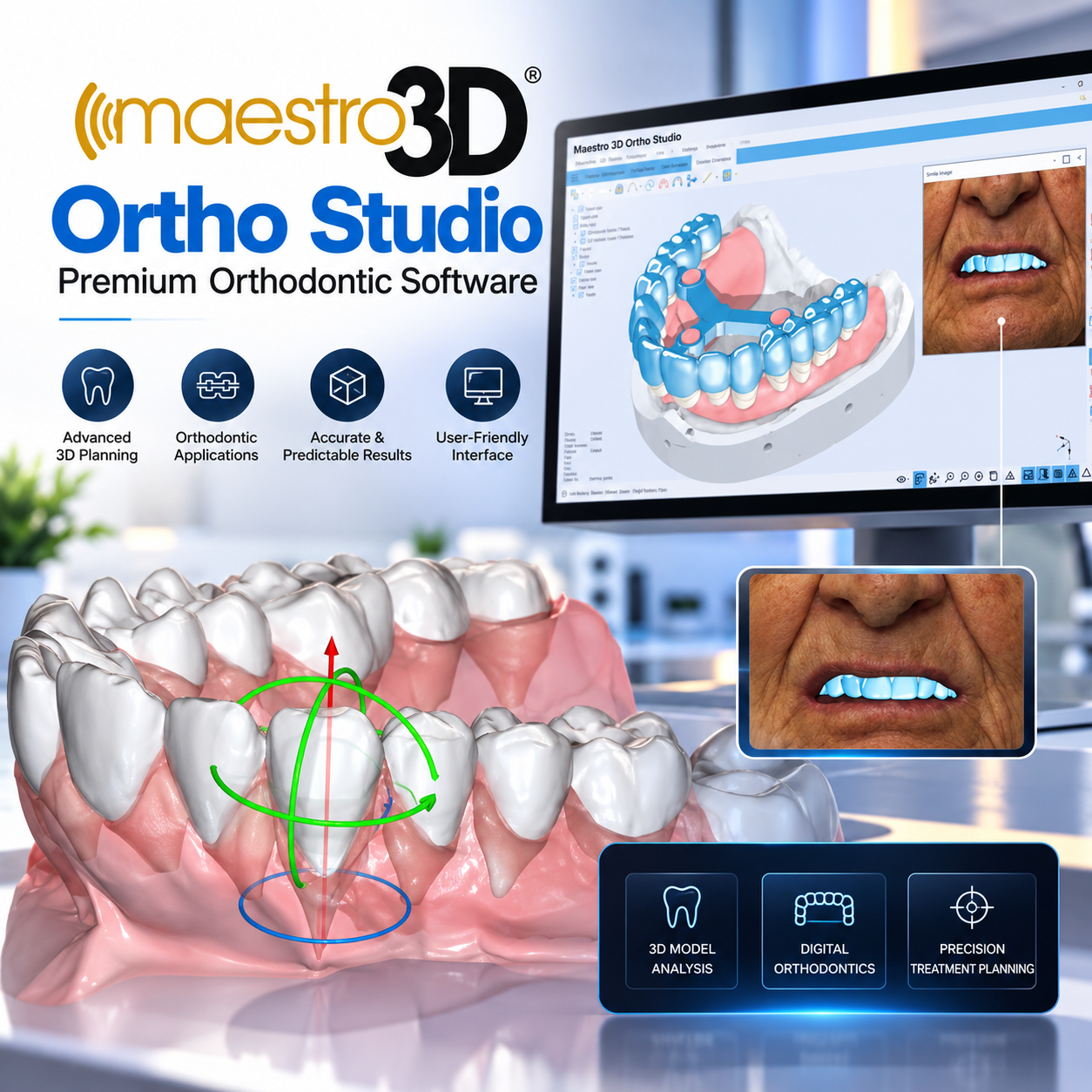
In stock
Original price was: ₹30,000.00.₹15,000.00Current price is: ₹15,000.00.


Maestro 3D Dental Studio Expert – Digital Orthodontic and Dental Appliance Design Software
Maestro 3D Dental Studio Expert is a dental software platform developed by AGE Solutions S.r.l. for digital orthodontic treatment planning, 3D dental model analysis, and the design of dental and orthodontic appliances. The software uses digital scan data to create three-dimensional representations of dental arches, simulate tooth movements, plan orthodontic treatments, and prepare digital models for manufacturing. Maestro 3D
The software includes Order Management and Dental Studio workspaces. Order Management is used to manage patient, dentist, and case information, create new work orders, and access existing cases. The Dental Studio workspace provides tools for examining 3D dental models, performing measurements, planning tooth positioning, and designing appliances according to individual dental anatomy. Maestro 3D
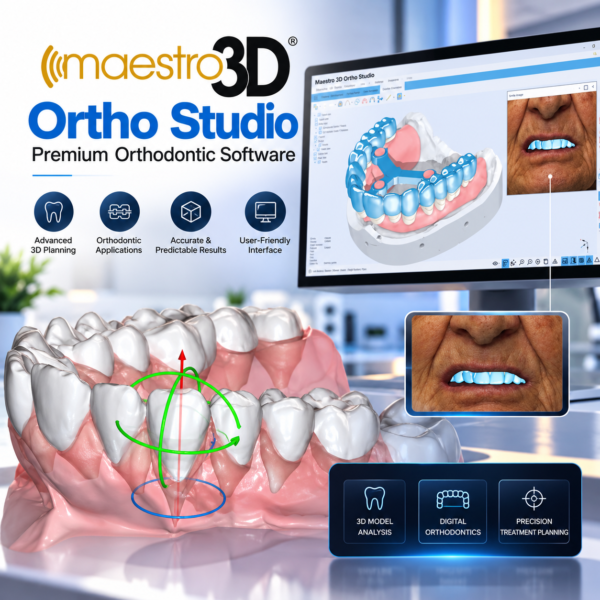
Maestro 3D Ortho Studio provides tools for digital orthodontic analysis and virtual treatment setup. Users can examine upper and lower dental arches, evaluate tooth positions, simulate planned tooth movements, and assess the relationship between individual teeth throughout the treatment workflow. The virtual setup includes functions for monitoring tooth movements, evaluating interproximal contacts, planning extractions, performing interproximal reduction (IPR), and positioning orthodontic attachments. Maestro 3D
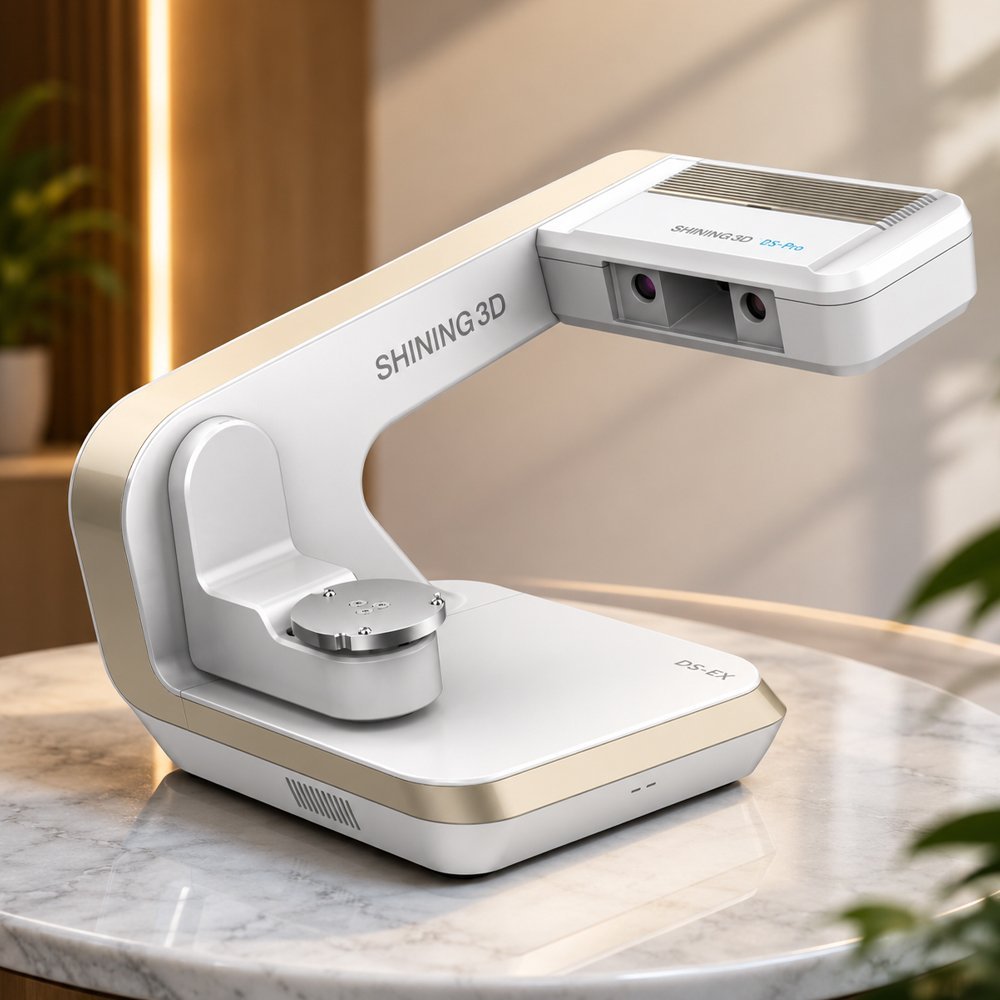
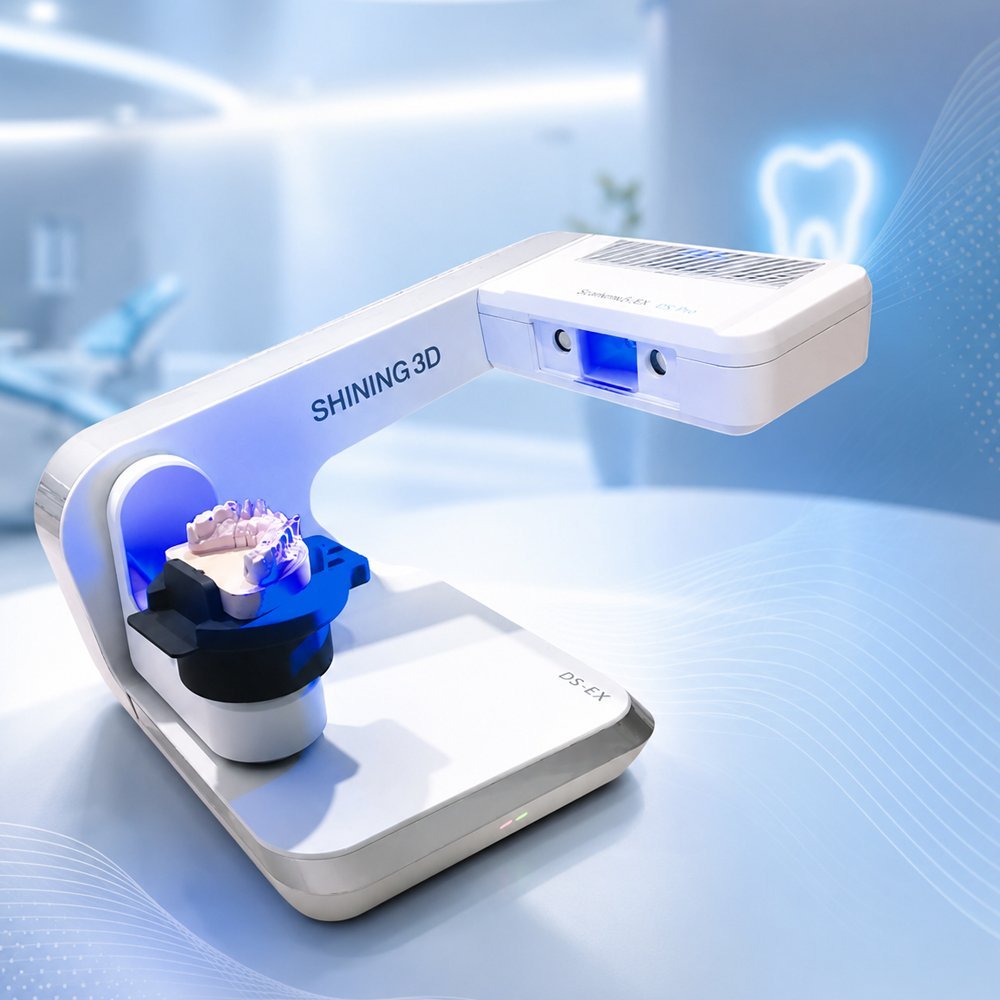
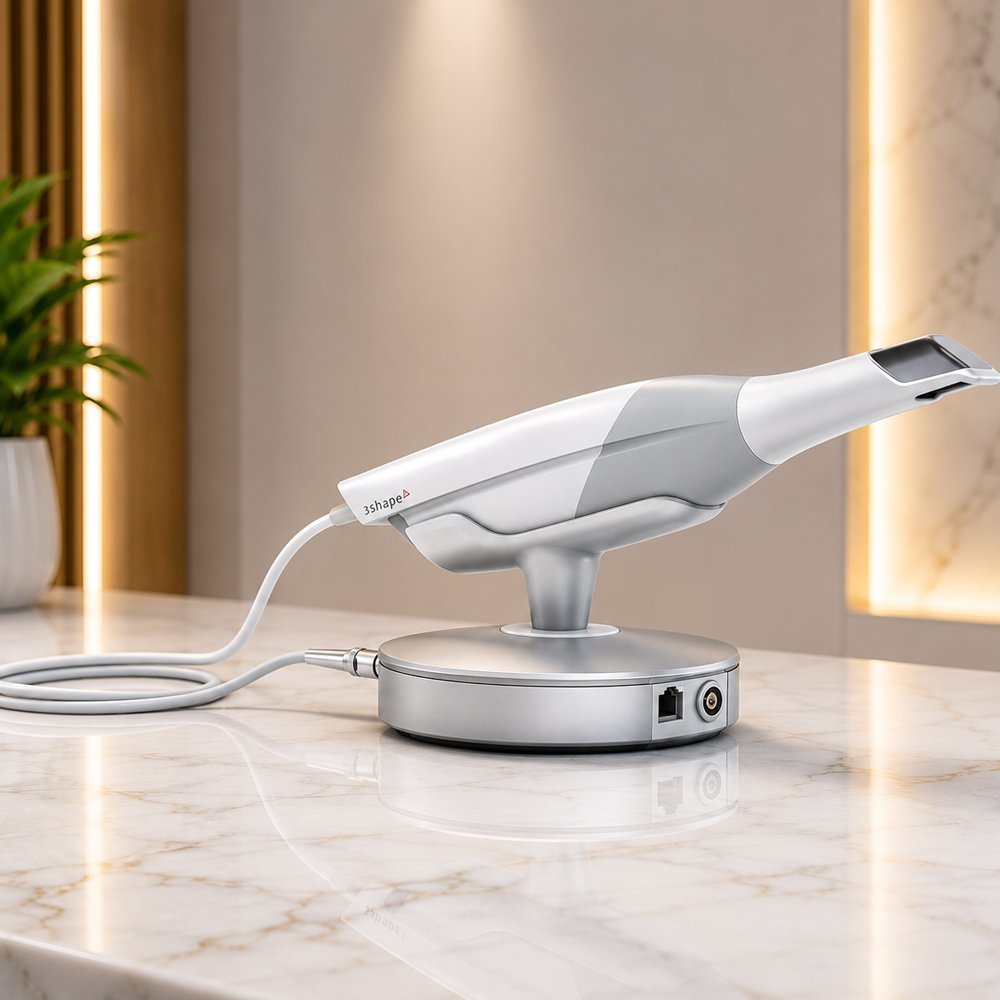
The software supports the creation and examination of digital dental models using scan data from compatible intraoral and desktop scanners. Its model analysis tools include distance and angle measurements, cross-sectional analysis, model comparisons, and Bolton analysis. Virtual bases can also be generated according to supported orthodontic model standards, including ABO, Ricketts, Parallel, Tweed, and ABO-2013 configurations. Maestro 3D
Maestro 3D includes automated tools for processing imported 3D scan files. Input File Correction can identify and correct certain scan imperfections, reconstruct small missing areas, and refine scan edges. AI-assisted tooth segmentation identifies individual teeth, traces their margin lines, and assigns tooth numbering to support subsequent orthodontic planning. Available functions depend on the software configuration. Maestro 3D
The Ortho Studio module supports the digital planning and design of clear aligner treatments. Users can define the intended final tooth positions, evaluate intermediate stages, manage tooth movements, and position attachments. The software can generate transition models corresponding to the planned stages of treatment for use in aligner manufacturing workflows.
Depending on the configuration, aligner production workflows may support thermoforming over printed models or direct 3D printing of aligners. Dedicated tools are available for generating printable models and preparing aligner designs for compatible manufacturing processes. Maestro 3D
The software includes a library of orthodontic attachments and tools for creating custom attachment geometries. Attachments can be adjusted according to shape, size, and thickness and positioned in positive or negative configurations as required by the planned workflow.
Additional tools support virtual tooth extraction, automatic reconstruction of the affected gingival geometry, and the creation of space for planned tooth movement. Users can organize treatment stages and manage different phases of the virtual setup. Maestro 3D
Maestro 3D supports the integration of compatible CBCT-derived anatomical data with digital dental scans. Scanned tooth crowns can be combined with root information obtained from CBCT data to create a more complete three-dimensional representation of the dentition. The software can also import compatible maxillary and mandibular CBCT data, 3D facial scans, and patient photographs for use in supported planning workflows. CBCT data must be prepared in a compatible format before import. Maestro 3D
The virtual articulator allows users to examine the relationship between the upper and lower dental arches and simulate occlusal interactions. It provides tools for dynamic occlusion adjustment, contact and intersection analysis, and the examination of different occlusal configurations. These functions can also be used within workflows for designing bite splints and other occlusal appliances. Maestro 3D
Maestro 3D Dental Studio Expert includes modules for designing different types of dental and orthodontic appliances. Depending on the selected configuration, these may include:
Individual applications may require separate modules or specific software configurations. Maestro 3D
The software can generate a sequence of digital models representing different stages of an orthodontic treatment. Printable model tools provide functions for integrating interproximal and gingival wax-ups, removing undercuts, creating hollow models, adding drainage holes, and adjusting model resolution and file size.
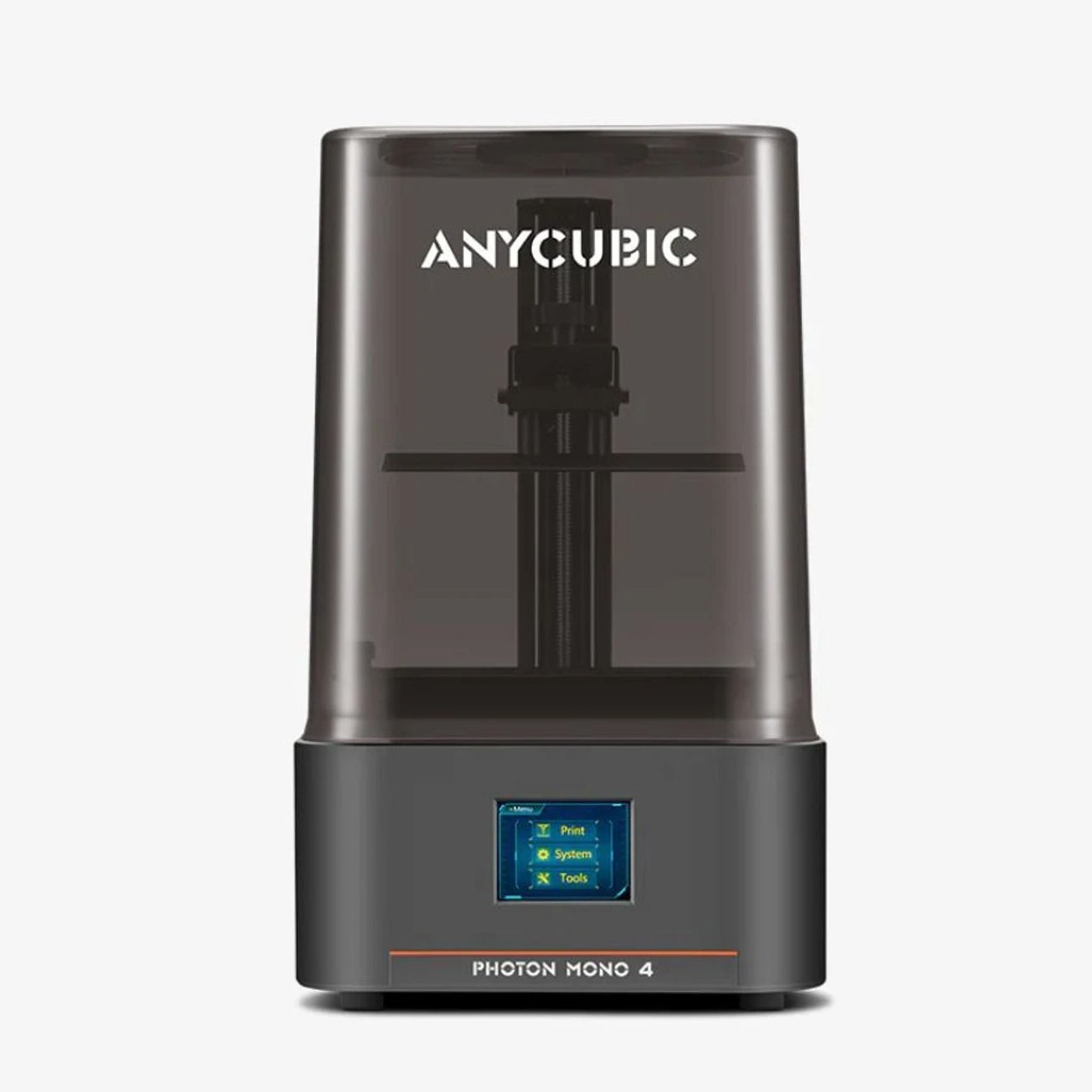
Completed models can be exported in supported open formats, including STL, PLY, and OBJ, for use with compatible 3D printing systems. Maestro 3D
Maestro 3D includes treatment-reporting and case-management functions. Treatment reports can be generated in PDF format and may include tooth movements, attachment positions, IPR, planned extractions, and selected screenshots. Report appearance and level of detail can be customized. When the applicable cloud service is used, reports can also be shared through an online link.
Workflow management tools allow users to define work stages, track case progress, review activity history, and monitor operations through the Order Management workspace. Maestro 3D
The available functions depend on the selected license, installed modules, and supported workflow configuration. Maestro 3D